Take Control of Your Finances with Excel – The Easy Way
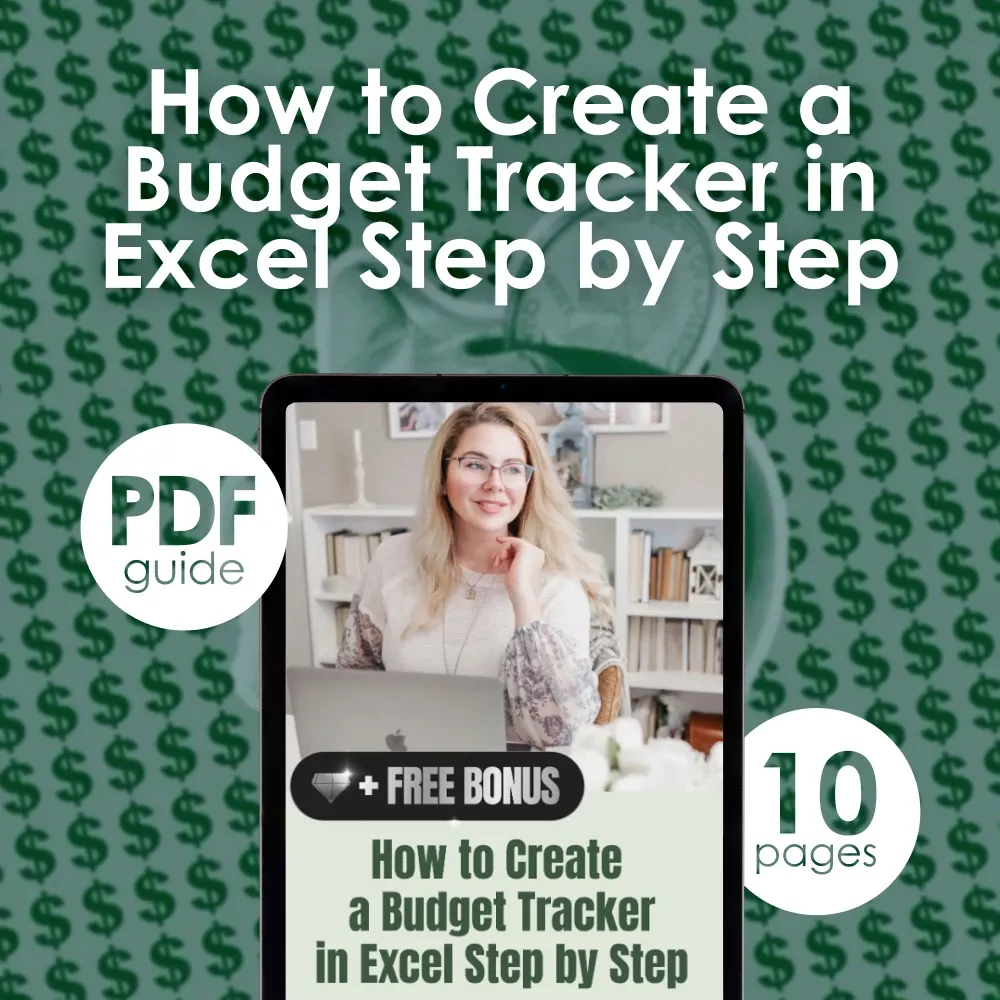
Struggling to manage your money or keep track of your monthly expenses? Discover a clear, step-by-step path to financial clarity with our digital guide: How to Create a Budget Tracker in Excel Step by Step. This downloadable guide is your go-to resource for building a simple, powerful, and fully customizable budget tracker using Excel—no advanced tech skills needed. Whether you’re new to Excel or looking to fine-tune your current budget system, this guide shows you exactly how to create a budget tracker in Excel that works for your life and goals.
What’s Inside the Guide
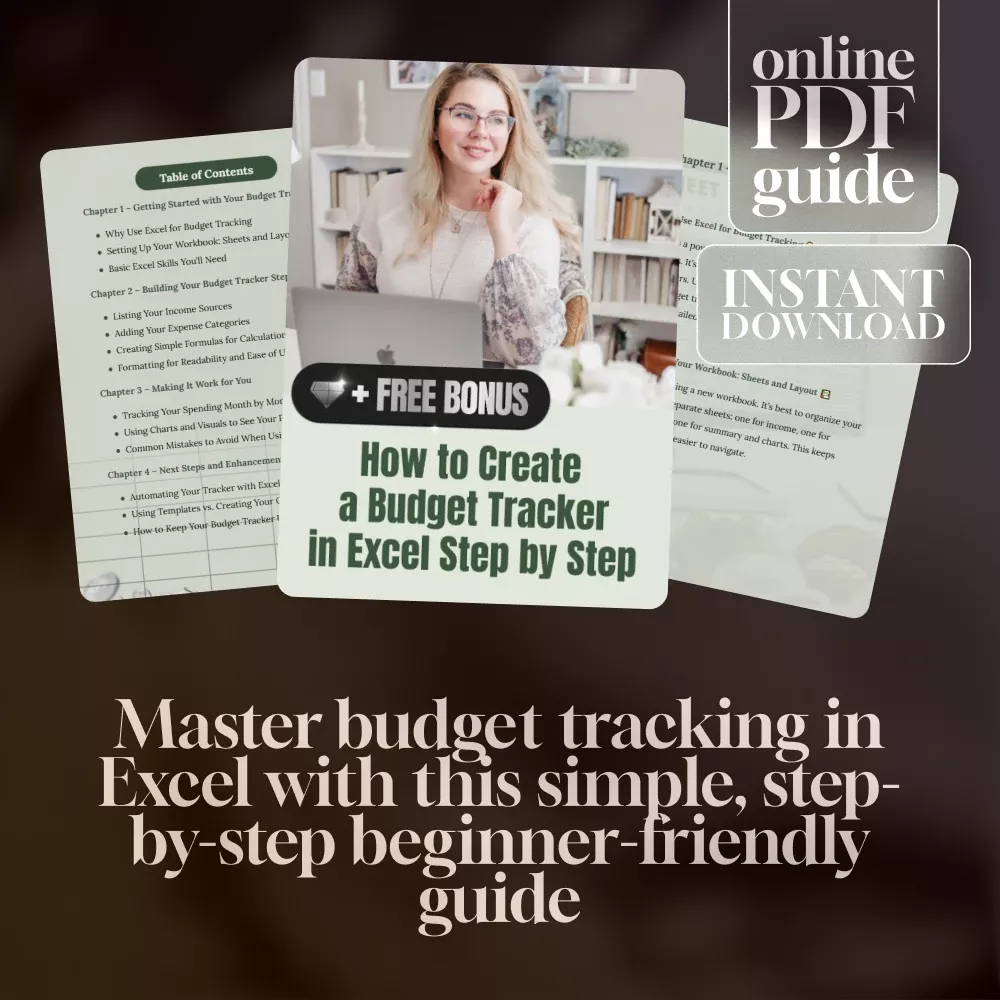
- Chapter 1 – Getting Started with Your Budget Tracker: Learn why Excel is ideal for budgeting, how to structure your workbook, and master essential Excel skills.
- Chapter 2 – Building Your Budget Tracker Step by Step: Break down your income, categorize expenses, and use basic formulas to bring it all together.
- Chapter 3 – Making It Work for You: Track monthly spending, visualize your progress with charts, and avoid common Excel mistakes.
- Chapter 4 – Next Steps and Enhancements: Automate your tracker, explore templates vs. DIY, and keep your budget system fresh and useful over time.
Why You’ll Love It
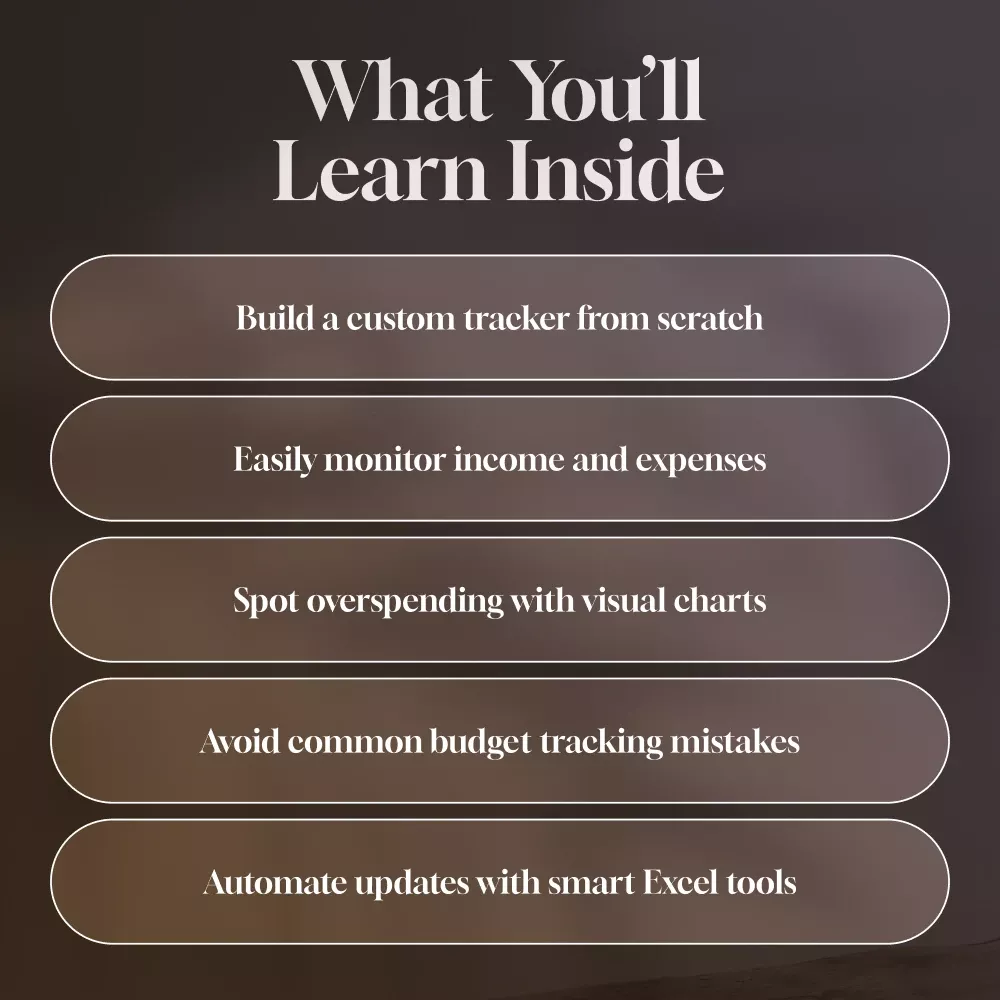
- Simple instructions that walk you through each step—even if you’re not an Excel pro
- Practical tips that help you stay consistent and motivated month after month
- Customizable framework you can adapt to your unique financial situation
- Instant download so you can start building your budget today
Perfect For:
- Students and young professionals just learning how to manage money
- Busy parents or couples looking for a shared financial tool
- Anyone who wants to understand how to create a budget tracker in Excel without frustration
What Makes This Guide Different?
This isn’t just a generic checklist—it’s a detailed, easy-to-follow walkthrough created with real users in mind. Unlike other resources, this guide doesn’t assume prior knowledge. It teaches how to create a budget tracker in Excel from scratch with clarity, practical visuals, and smart, actionable steps that actually make sense. No fluff—just everything you need to succeed with Excel budgeting.
Download & Start Budgeting Smarter Today
If you’ve been wanting to get your finances in order but didn’t know where to start, this is your sign. Learn how to create a budget tracker in Excel with ease and confidence. Download the guide now and start building a better financial future—one spreadsheet at a time!
Order cancellation
All orders can be cancelled until they are delivered. If your order has been paid and you need to make a change or cancel an order, you must contact us within 12 hours.
Refunds
Your satisfaction is our #1 priority. Therefore, you can request a refund for ordered products
If you are approved for a refund, then your refund will be processed, and a credit will automatically be applied to your credit card or original method of payment, within 14 days.
Instant download
Your files will be available to download once payment is confirmed.