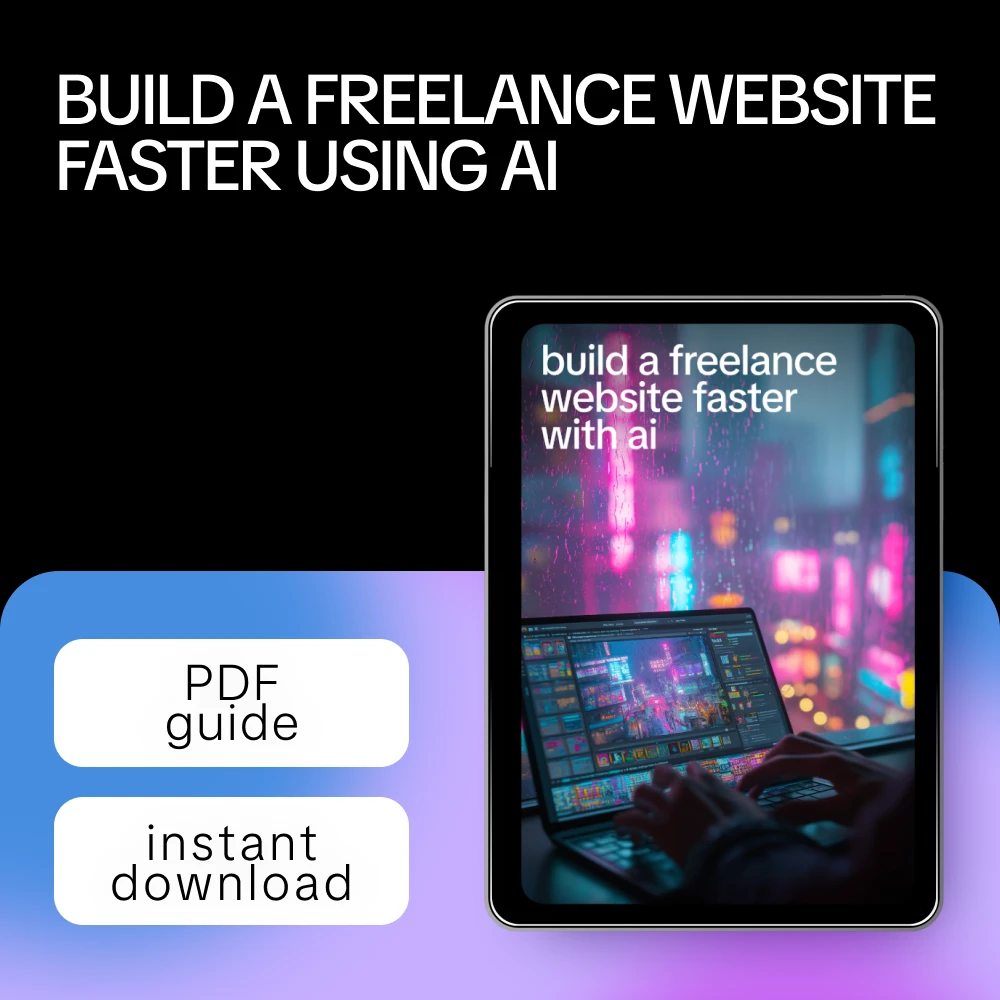
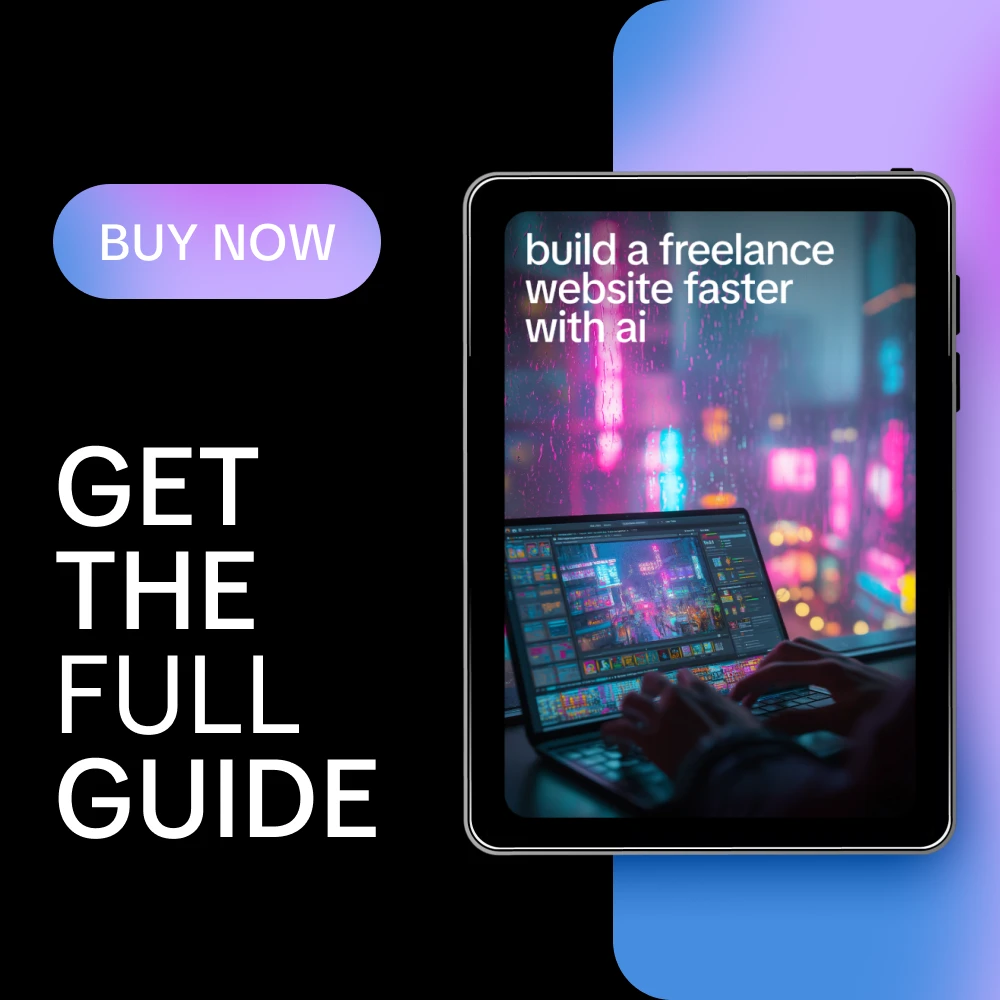
Build a Freelance Website Faster with AI
If you’ve been stuck staring at a blank screen, unsure how to turn your skills into a clear, confident freelance website, this digital guide is for you. Build a Freelance Website Faster with AI shows you how to use AI as a practical thinking partner, not a shortcut gimmick, to plan, write, and refine a freelance website that actually converts. Instead of guessing what to say or how to structure your site, you’ll learn a smarter, faster workflow that helps you move from idea to live website with clarity and confidence.
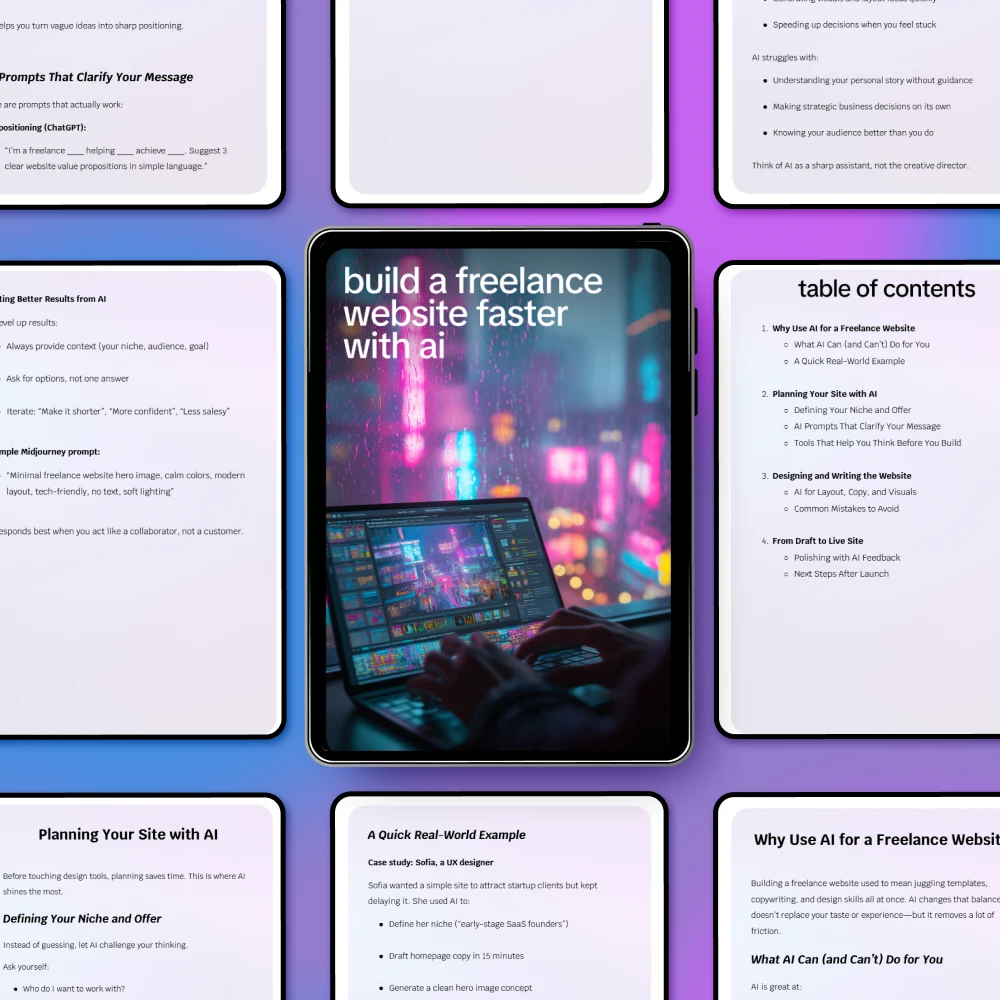
What’s Inside This Digital Guide
- Why Use AI for a Freelance Website
- What AI Can (and Can’t) Do for You
- A Quick Real-World Example
- Planning Your Site with AI
- Defining Your Niche and Offer
- AI Prompts That Clarify Your Message
- Tools That Help You Think Before You Build
- Designing and Writing the Website
- AI for Layout, Copy, and Visuals
- Common Mistakes to Avoid
- From Draft to Live Site
- Polishing with AI Feedback
- Next Steps After Launch
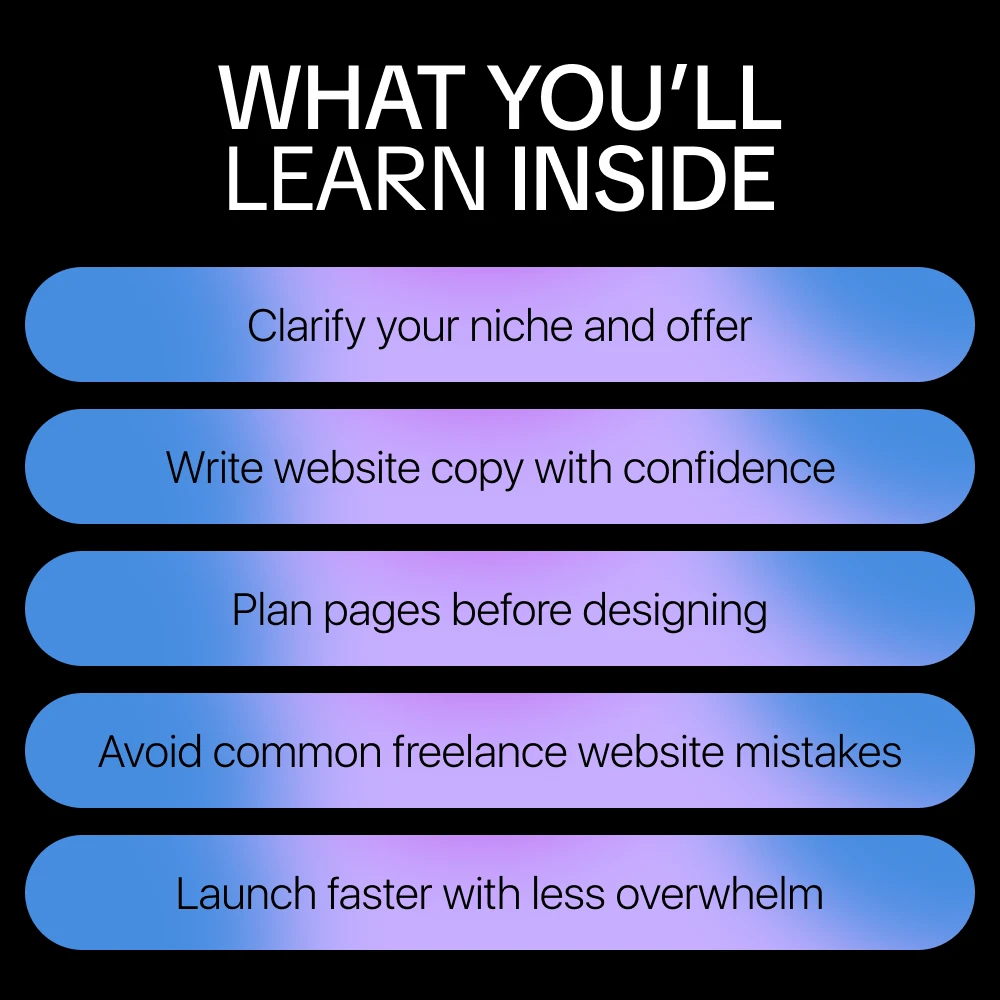
How This Guide Helps You
- Save hours by using AI to organize your ideas before you design
- Write clearer homepage and service copy without sounding robotic
- Avoid common freelancer website mistakes that confuse clients
- Turn vague ideas into a focused niche and offer
- Launch faster with a repeatable process you can reuse
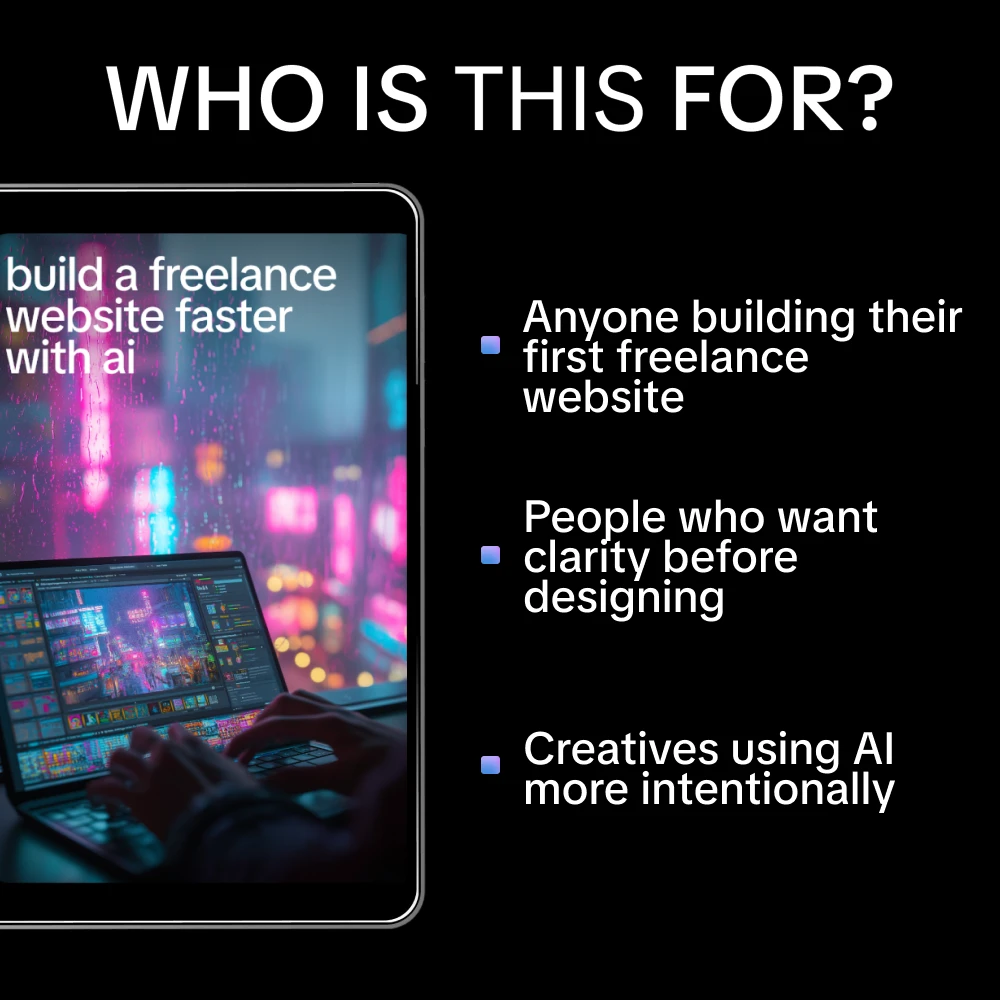
Who This Is For
This guide is designed for freelancers, solopreneurs, and creatives who want a professional website without overwhelm. It’s ideal if you’re building your first freelance site, redesigning an existing one, or struggling to explain what you do in a simple, compelling way.
Why This Guide Is Different
Unlike generic website templates or surface-level AI tips, Build a Freelance Website Faster with AI focuses on thinking before building. You’ll learn how to use AI to clarify your message, structure your site, and refine your ideas so your website feels intentional, human, and aligned with your goals.
Download & Get Started
Stop overthinking and start building with clarity. Download Build a Freelance Website Faster with AI today and create a freelance website that works as hard as you do.
Order cancellation
All orders can be cancelled until they are shipped. If your order has been paid and you need to make a change or cancel an order, you must contact us within 12 hours. Once the packaging and shipping process has started, it can no longer be cancelled.
Refunds
Your satisfaction is our #1 priority. Therefore, you can request a refund or reshipment for ordered products if:
- If you did not receive the product within the guaranteed time( 45 days not including 2-5 day processing) you can request a refund or a reshipment.
- If you received the wrong item you can request a refund or a reshipment.
- If you do not want the product you’ve received you may request a refund but you must return the item at your expense and the item must be unused.
We do not issue the refund if:
- Your order did not arrive due to factors within your control (i.e. providing the wrong shipping address)
- Your order did not arrive due to exceptional circumstances outside the control of Glacere (i.e. not cleared by customs, delayed by a natural disaster).
- Other exceptional circumstances outside the control of https://glacere.com
*You can submit refund requests within 15 days after the guaranteed period for delivery (45 days) has expired. You can do it by sending a message on Contact Us page
If you are approved for a refund, then your refund will be processed, and a credit will automatically be applied to your credit card or original method of payment, within 14 days.
Exchanges
If for any reason you would like to exchange your product, perhaps for a different size in clothing. You must contact us first and we will guide you through the steps.
Please do not send your purchase back to us unless we authorise you to do so.
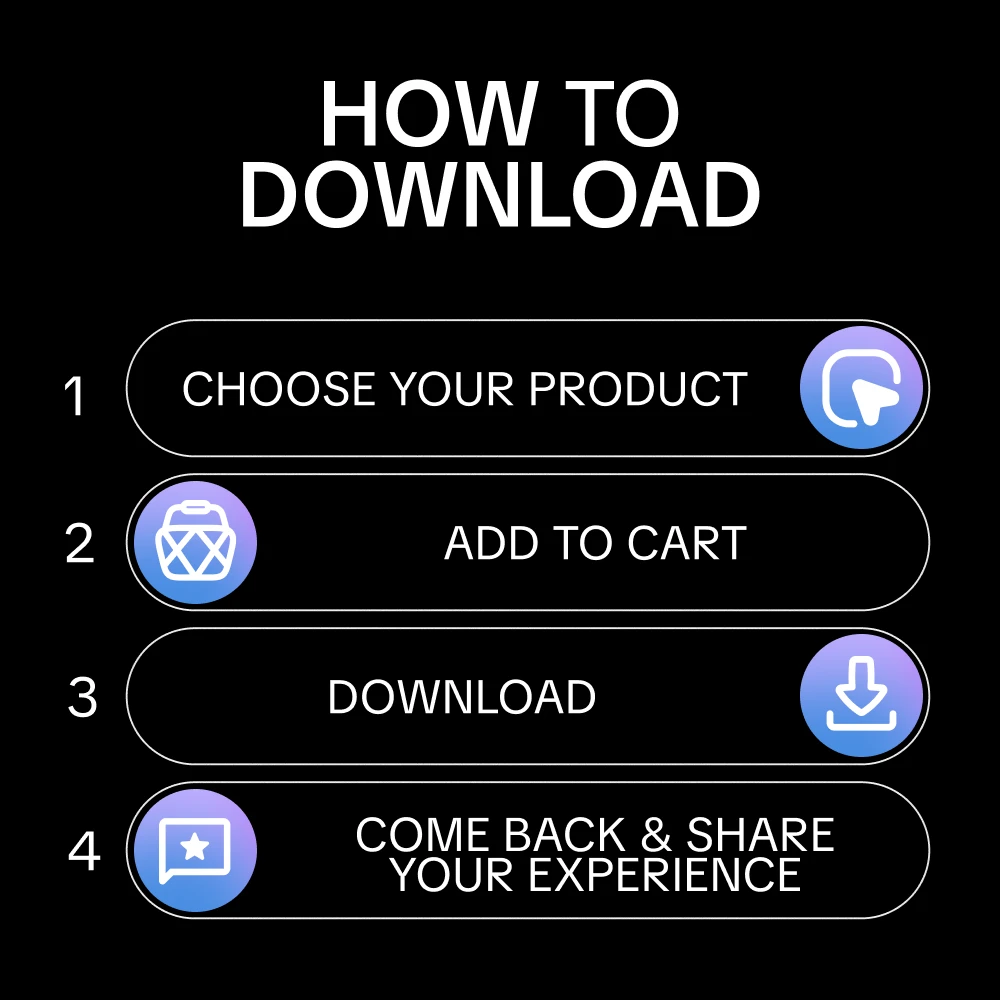
Your files will be available to download once payment is confirmed.